Controlling Camera with Mouse

joshkautz

Blippy
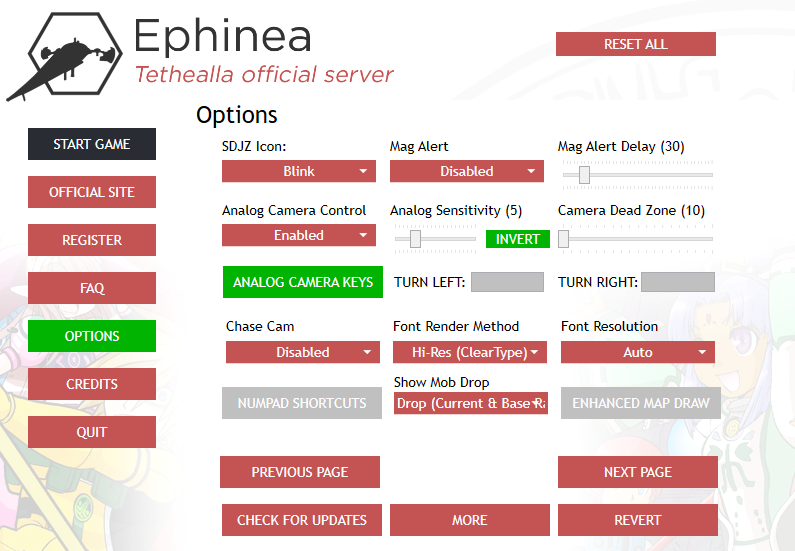
I'm spending some time to learn about the quality of life enhancements and different settings I can use to play Ephinea. My understanding is that there's a feature to enable non-traditional camera rotation around the character, which is perhaps called Analog Camera Control? I am playing with a Mouse & Keyboard, and I'm wondering if it's possible to play with WASD movement of my character, and then use the mouse for moving the camera (instead of normal method of lining up my character, and pressing the camera realignment button). I spend some time searching to forums for this topic, but wasn't quite able to find discussions on this topic. Any insight on this topic regarding configurations & settings would be incredibly appreciated! Thank you in advance for your time and consideration!
 
After reviewing the keyboard and mouse controls again, the new Analog Camera Control feature is limited to those with keyboards and controllers, and I'm fortunate to have added buttons into my Steam button layout for a Nintendo Pro Switch Controller in order to make use of this feature. I forgot that Analog Camera Keys were included in the game launcher options for users that prefer to play with the keyboard instead of the controller, but the mouse can't take advantage of it as desired.
1785798604482.png
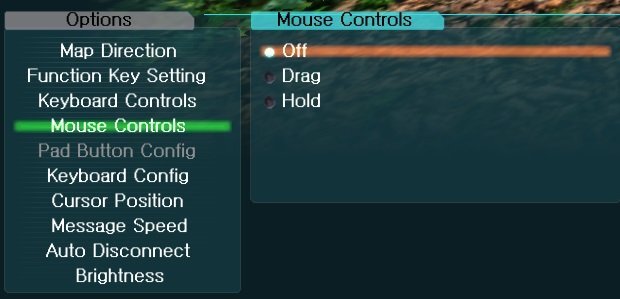
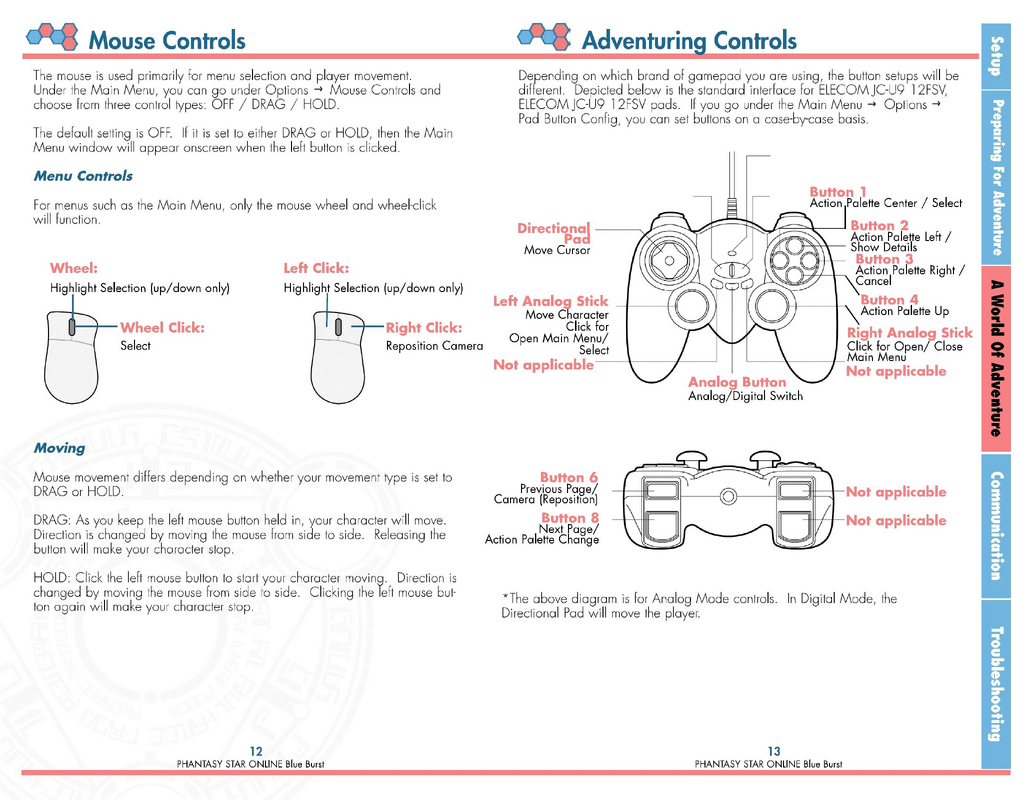
The default options to use the mouse controls in the game are not as great as I remembered. I forgot this isn't PSO2, but the good news is that the Analog Camera Control prevents the camera from following the character from behind, auto-adjusting its position while moving that character, since that was an annoying default behavior as hinted in this post, which is called the Chase Cam, and I have it disabled.

The spoiler below is what the SEGA developers left for this game thinking that it was good enough.
pso134302704488747077.jpg
1785796644050.png
EDIT: A possible workaround is to use a button input program like Xpadder, Steam Input, Joy2Key, etc. to map some extra buttons on a gamer mouse that takes advantage of Analog Camera Keys, but that sounds like it won't work since that function only accepts keyboard buttons, not buttons from a mouse.
 
Last edited:
Back
Top