
Navigation
Install the app
How to install the app on iOS
Follow along with the video below to see how to install our site as a web app on your home screen.
Note: This feature may not be available in some browsers.
More options
Style variation
You are using an out of date browser. It may not display this or other websites correctly.
You should upgrade or use an alternative browser.
You should upgrade or use an alternative browser.
Modern Dark Glass HUD & Addons modifications
- Thread starter Echelon
- Start date


makaveli
Achiever
- Gender
- Male
- Guildcard
- 42004049
I'd like to start off by saying I absolutely love this theme.
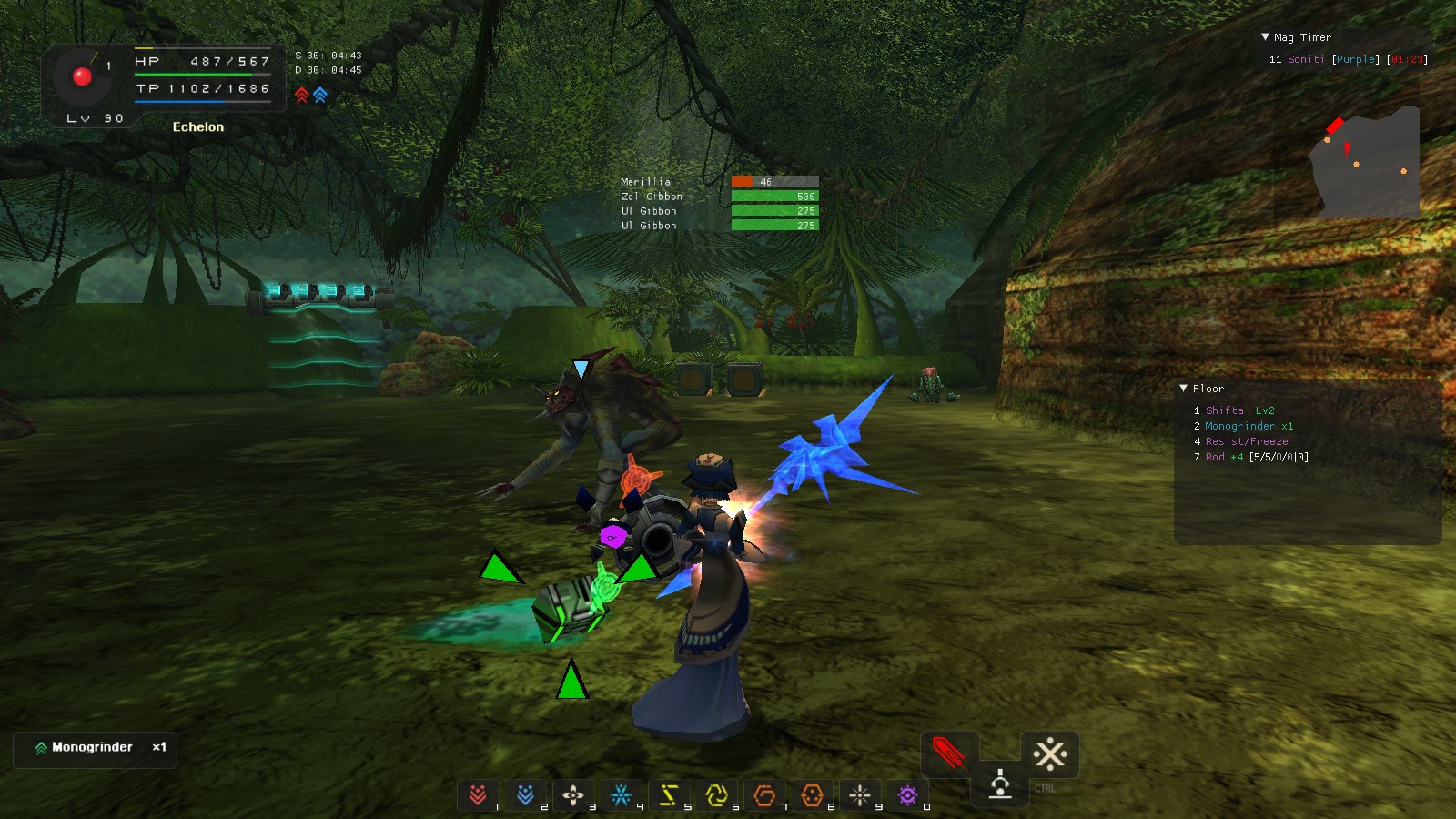
There is one problem though that really bothers me, and that is the hotkey icons on the bottom of the screen (1-9,0) seem too be much to small for me. Since I am usually playing a cast it makes it really hard to see the number of traps I have left.
Because I like this theme so much, I was wondering if there was any simple way (0 knowledge about this kind of thing) to enlarge the hotkey icons to make them more visible. I'm thinking 1.5x the current size.
I am currently using 1600x900 windowed resolution with HD resolution on.
If anyone could help that'd be great sorry for reviving a dead thread lol
There is one problem though that really bothers me, and that is the hotkey icons on the bottom of the screen (1-9,0) seem too be much to small for me. Since I am usually playing a cast it makes it really hard to see the number of traps I have left.
Because I like this theme so much, I was wondering if there was any simple way (0 knowledge about this kind of thing) to enlarge the hotkey icons to make them more visible. I'm thinking 1.5x the current size.
I am currently using 1600x900 windowed resolution with HD resolution on.
If anyone could help that'd be great
sorry for reviving a dead thread lol

Echelon
Member
- Gender
- Male
Old thread, not updated anymore. Please see here for the latest stuff: https://www.pioneer2.net/community/threads/echelons-skins-modifications.4357/

Zerozooka
Member
- Guildcard
- 0
Prerequisites
1.Have Eidolon's PSOBB Addon Plugin, Soly's PSOBB Addons and Tornupgaming's EXP Bar Addon installed.
2.Set language to CUSTOM (upper right corner in the launcher)
3.Make a backup in case you want your previous settings back.
I. HUD Skin
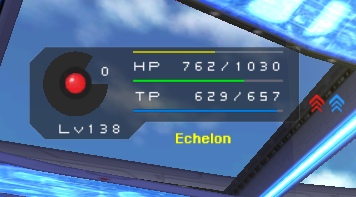
This is based on my previous hud but mixed with other good ideas (like Vibestar's glass hud and Ep3 icons), with the addons in mind, for a sweet pso experience.
Download it here: http://www.mediafire.com/file/s02y3euy0xyuqe9/Ech_Dark_Glass_HUD.zip
Copy/paste in your PSOBB folder.
II. In-game settings
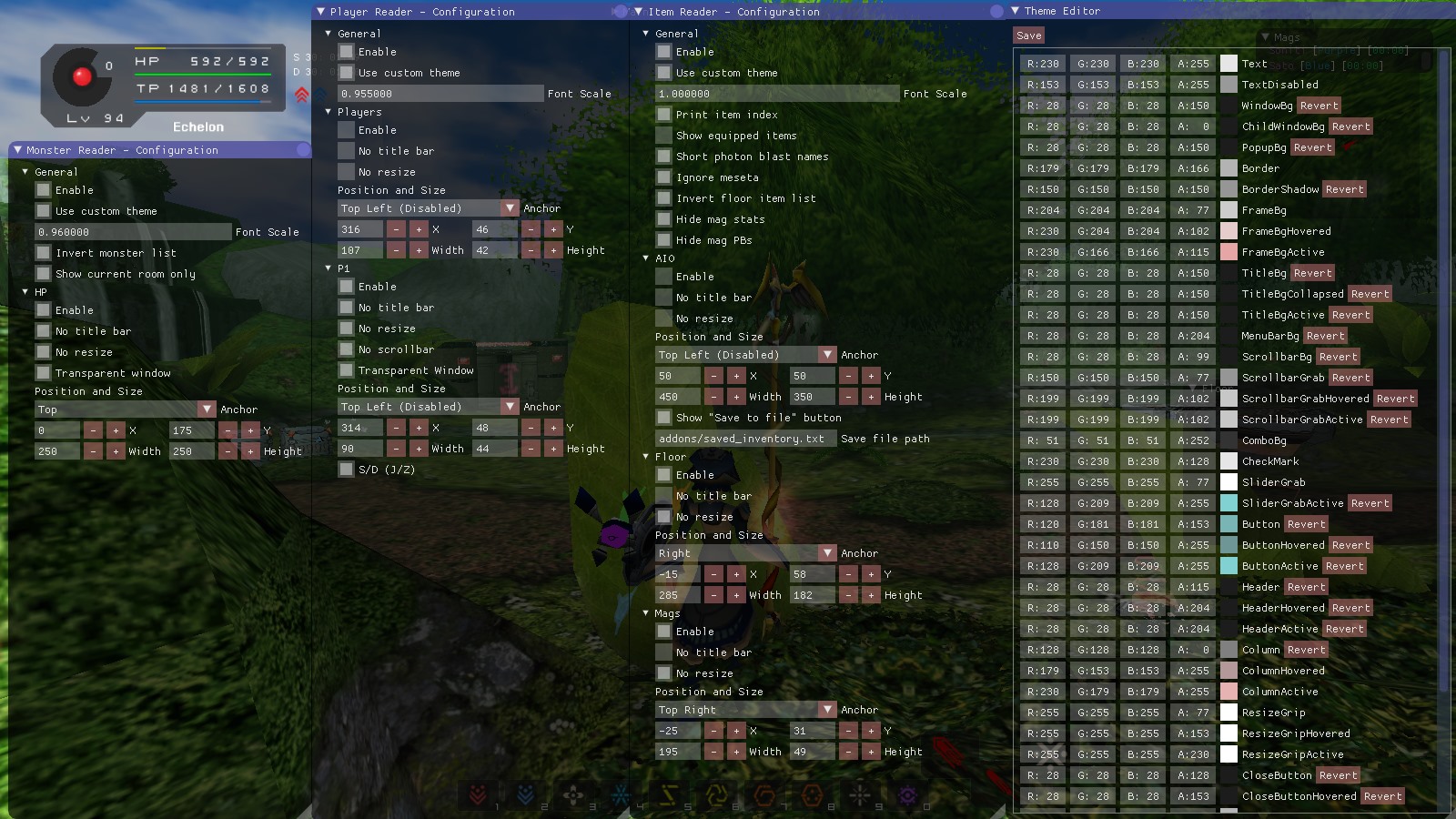
This is all my settings for reference purpose, you are free to make your own changes.
III. Experience Bar
The experience bar is not anchored like Soly's addons so you'll have to place it manually the first time.
Furthermore, the height and width of the bar are set for my current resolution ( 1600x900 windowed) so you may want to change the values for the resolution you're playing at.
1.Open init.lua (psobb folder>addon>exp bar) with notepad++
2. Find line 20 - imgui.ProgressBar(progress, 150, 2) and change the values to your will
3.Save and click reload in Eidolon's main menu to see the changes in-game.


CoppeliaRose
Member
- Gender
- Female
- Guildcard
- 42022921
Follow the link from echelon just above your post and u'll get to the latest version which I use as well