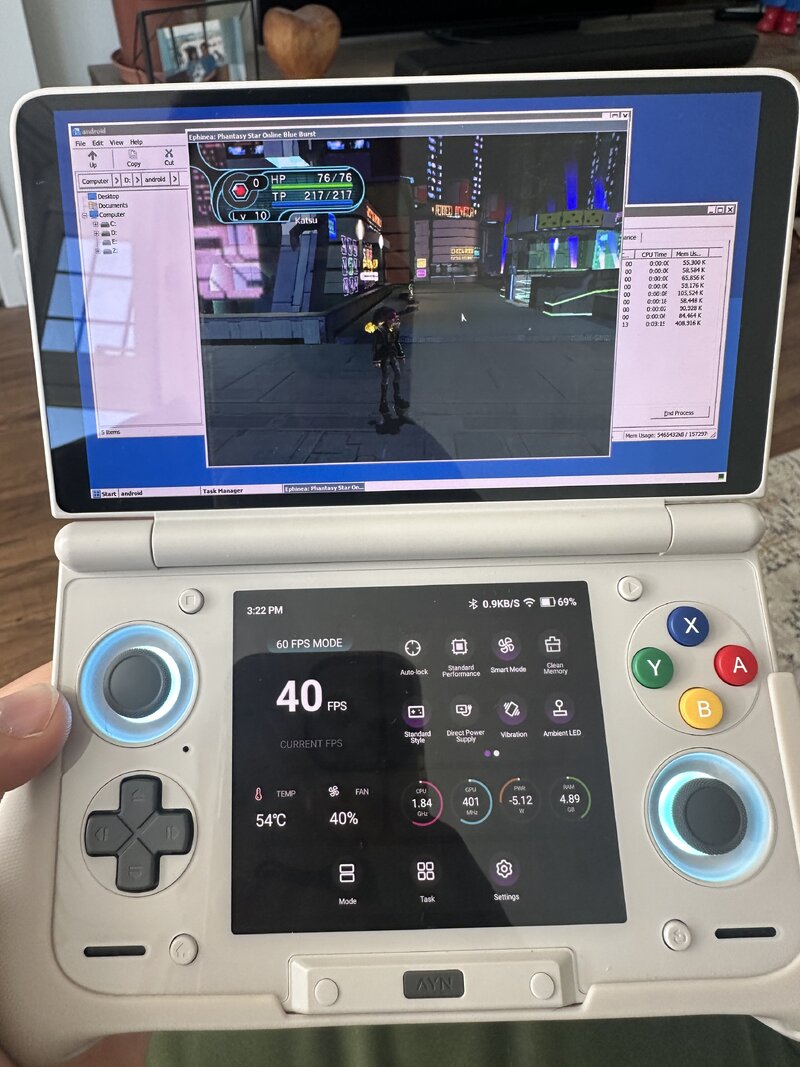
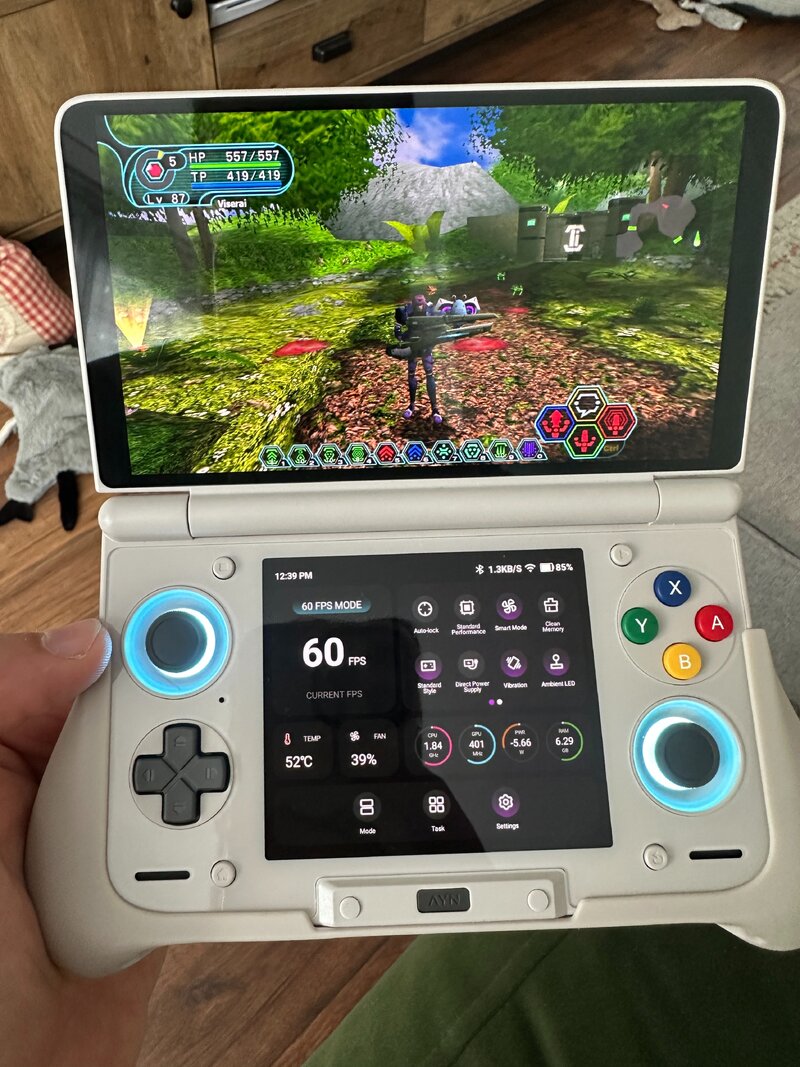
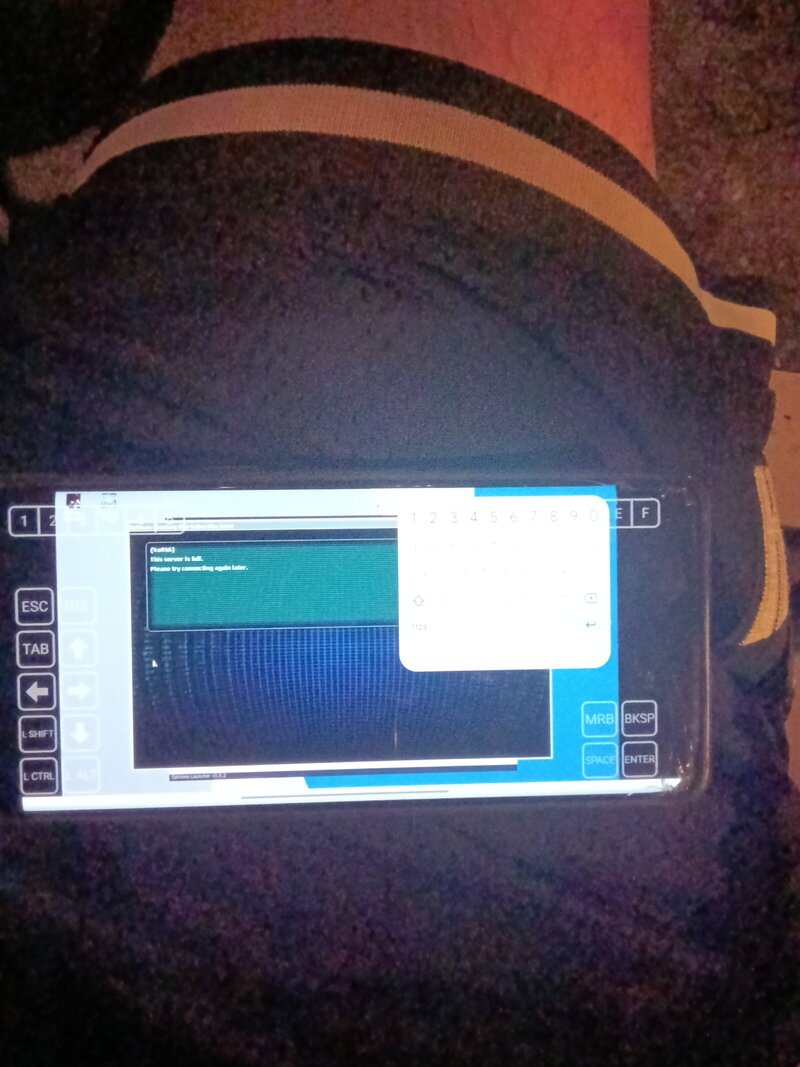
Different stack, same wall - posting my results in case they're useful, since I don't think
anyone here has tried
Hangover yet.
Setup
Linux handheld, not Android: MANGMI Air X (Snapdragon 662 / SM6115, Adreno 610) running
ROCKNIX. Instead of Winlator I used Hangover, which is a different approach to the same
problem - native ARM64 Wine, with only the game's x86 code emulated (box64 or FEX as a WoW64
backend) rather than emulating a whole x86 Wine.
What works
The game itself runs genuinely well. Title screen, login dialog, credentials accepted, and
PSOBB's login menu (Login / Start Game / Exit Game / Patch Download / Register UserID). The
in-game
Patch Download works and updated online.exe, so Ephinea's .NET launcher isn't
needed at all - useful if anyone else is stuck on that, since the launcher is WPF and
wine-mono can't run WPF.
Rendering is wined3d over OpenGL (Adreno 610 only exposes Vulkan 1.0, so DXVK is impossible
here) and it looks correct - no missing textures, no colour problems.
One fix that might help people here
PSOBB only accepts
16-bit display modes. If the client exits or hangs before you ever
see a window, check log/error.log inside the game folder for:
Code:
Error : Can't find DisplayMode
Error : Can't use format [D3DFMT_R5G6B5]
Error : Can't use format [D3DFMT_X1R5G5B5]
On my setup Xwayland only offers 24/32-bit, so the client found no usable mode. Fixed with:
Code:
wine reg add 'HKCU\Software\Wine\X11 Driver' /v ScreenDepth /t REG_SZ /d 16 /f
wine explorer /desktop=pso,1280x720 PsoBB.exe
After that the D3D device came up as HAL-HARD and the GPU actually started clocking up. Might
be worth a look if anyone's client dies early - it's a different failure from the ones
discussed above, and it cost me a while to find.
Where I'm stuck - same place as this thread
No916 on login. Cause confirmed: ephinea.dll never initialises, so the client runs
unpatched. The title screen shows
! DLL ERROR ! exactly where EPHINEA SERVER CLIENT
v1.510 should be, and while the game is running:
Code:
grep -c ephinea /proc/<pid>/maps -> 0
Both emulator backends fail on that DLL, in different ways:
- box64: DllMain(PROCESS_ATTACH) is entered and never returns. ~100% CPU forever, no
window. Wine logs EXCEPTION_INT_DIVIDE_BY_ZERO or EXCEPTION_ILLEGAL_INSTRUCTION depending on
version.
- FEX: DllMain faults with an ACCESS_VIOLATION inside the DLL's own mapped range, Wine
logs "Initialization of ephinea.dll failed", and the client carries on unpatched - which is
what produces the 916.
Tested across three Hangover releases (9.22 / 11.9 / 11.16), so three box64 generations and
two FEX generations. All fail the same two ways. Also no change from: box64 interpreter mode
(BOX64_DYNAREC=0), conservative dynarec flags (SAFEFLAGS=2, BIGBLOCK=0, CALLRET=0,
STRONGMEM=3), or Windows version set to win7/winxp.
For what it's worth, ephinea.dll looks packed - 12.6 MB with a section named
.banana
plus several RWX sections, and Wine logs "disabling no-exec because of ephinea.dll". That's
the kind of code emulators tend to struggle with, which fits what this thread has been seeing.
I also tried the Winlator-shaped stack, same result
To check whether this was just a Hangover quirk, I also ran it the way Winlator does - box64
emulating a
complete x86_64 Wine 11.0 (new-WoW64), rather than Hangover's native ARM64
Wine. 32-bit cmd.exe works fine through it, so the stack is sound, but ephinea.dll fails to
initialise there too. So on my hardware this isn't specific to Hangover, and it isn't specific
to a box64 version either - seven configurations now, both emulator families, both
architectures.
One new detail from that run that might interest whoever's debugging this: alongside the
illegal-instruction and access-violation errors, Wine logged
EXCEPTION_SINGLE_STEP. A
single-step exception means the trap flag was set. Together with the deliberate divide-by-zero
I saw elsewhere, that suggests ephinea.dll's packer raises faults on purpose and resumes from
its own handlers - which is exactly the sort of thing emulators get subtly wrong, and would
explain why box64 hangs (handler never resumes) while FEX crashes (resumes with bad state).
Questions for the thread
- Has anyone ever seen ephinea.dll actually initialise on ARM - i.e. the
"EPHINEA SERVER CLIENT v1.xxx" version string showing on the title screen instead of a DLL
error? That's the one thing I can't get, and I think it's the whole ballgame.
- I saw the note that box64 0.2.7-0.2.9 boots the game while newer versions don't. Was that
with standalone box64 + full x86 Wine (Winlator's setup)? Hangover uses box64 as a WoW64
backend instead, and I get identical failures on old and new box64 there - so I suspect the
two paths behave differently.
- On the services.exe / winedevice.exe freeze: is there a documented workaround? I noticed
winedevice.exe burning CPU early on and didn't chase it.
Happy to run tests - the handheld has SSH and I can try any config, env var or build and
report back with logs.