
Navigation
Install the app
How to install the app on iOS
Follow along with the video below to see how to install our site as a web app on your home screen.
Note: This feature may not be available in some browsers.
More options
Style variation
You are using an out of date browser. It may not display this or other websites correctly.
You should upgrade or use an alternative browser.
You should upgrade or use an alternative browser.
Install bat not installing winlator
- Thread starter SonGohan
- Start date

- Gender
- Male
- Guildcard
- 11111111
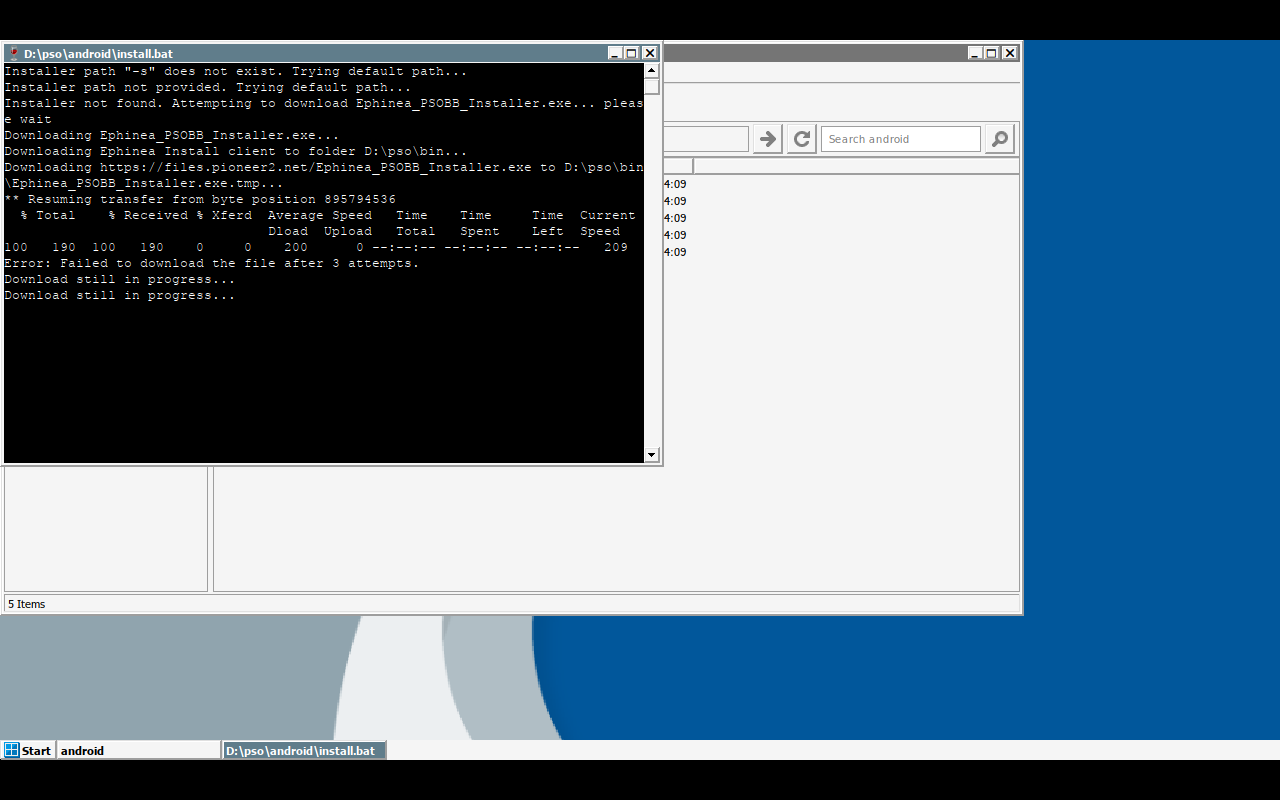
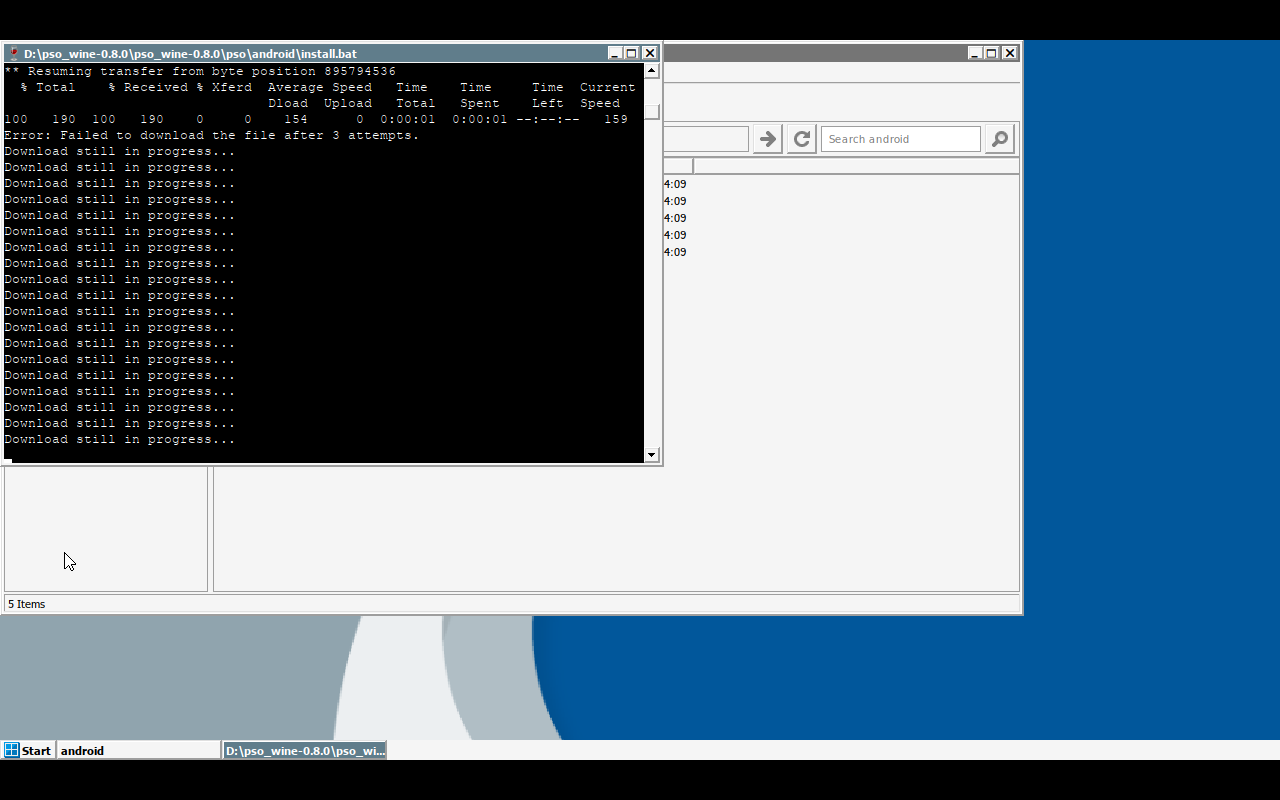
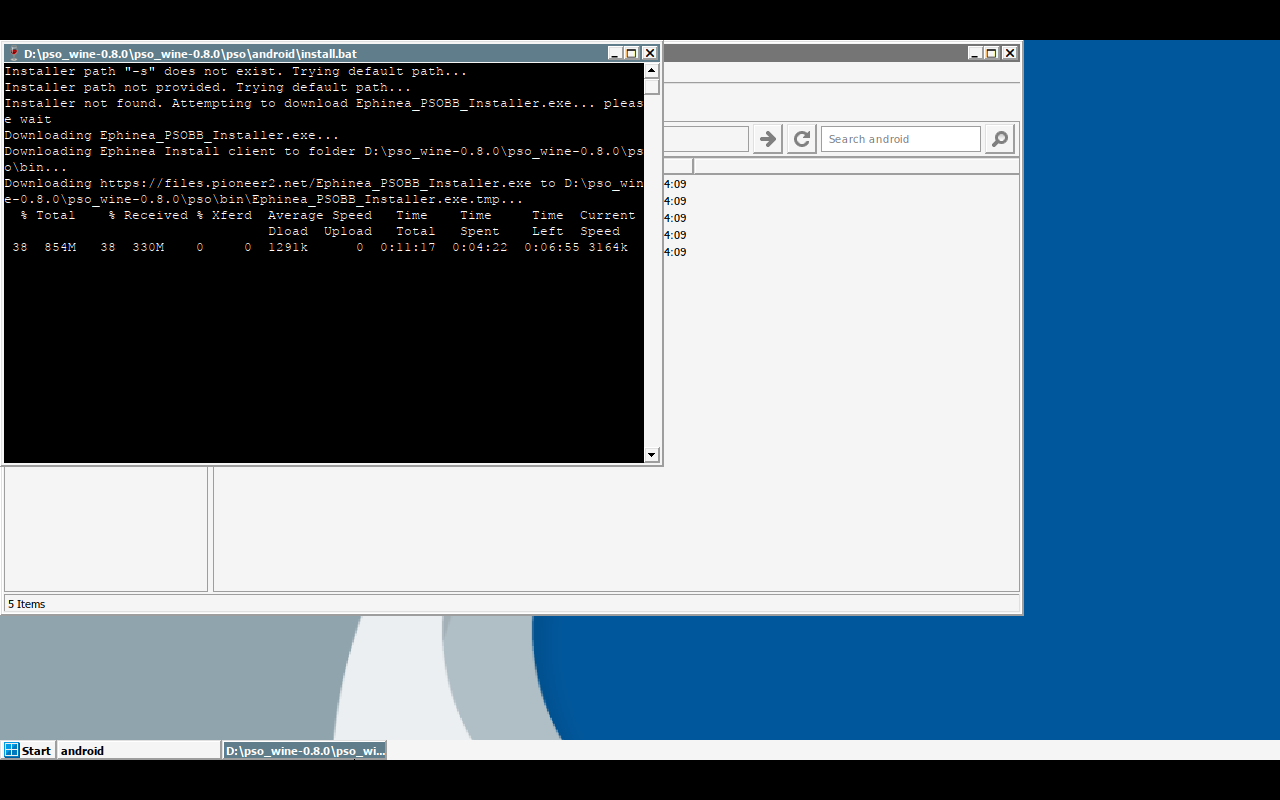
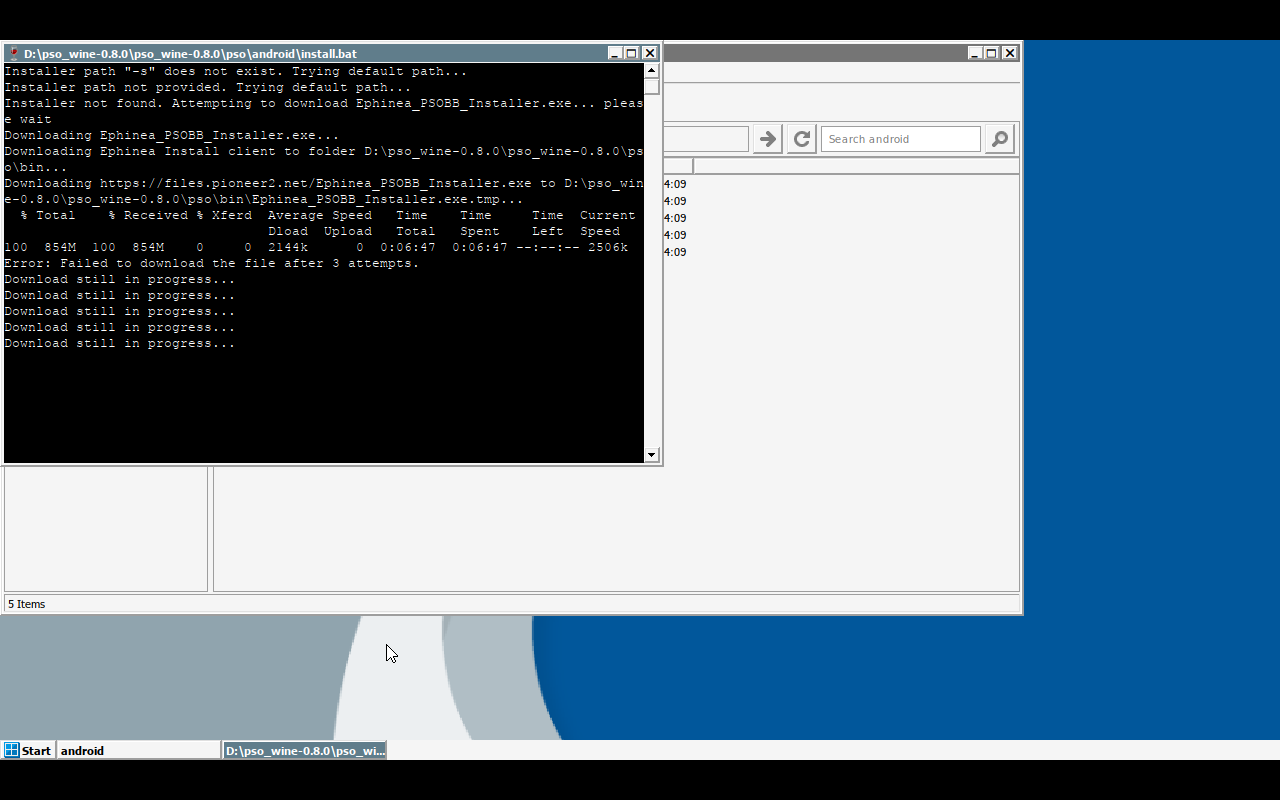
I don’t know much about your platform, but the errors it appears to be showing are network errors and the inability to download the installer from the website.
If you have the ability to use WiFi instead of 5G/LTE, try that. If you were already using 5G/LTE, try WiFi.
If you have the ability to use WiFi instead of 5G/LTE, try that. If you were already using 5G/LTE, try WiFi.

You have a tutorial I could learn from?I don’t know much about your platform, but the errors it appears to be showing are network errors and the inability to download the installer from the website.
If you have the ability to use WiFi instead of 5G/LTE, try that. If you were already using 5G/LTE, try WiFi.

zeroz
Member
seems that my script for easy install on android. the downloading was a little unreliable recently via the curl progress checking in batch files.
2 easy solutions:
1. place a predownloaded ephinea installer exe in the bin folder manually. or...
2. try version 0.9. i specifically tried to improve that exact error case. https://github.com/zeroz41/pso_wine/releases/tag/v0.9.0
2 easy solutions:
1. place a predownloaded ephinea installer exe in the bin folder manually. or...
2. try version 0.9. i specifically tried to improve that exact error case. https://github.com/zeroz41/pso_wine/releases/tag/v0.9.0
I downloaded the v9 file and it works. But when I go to shortcuts and hit play on the launcher, it starts up and I get an error "file not found"seems that my script for easy install on android. the downloading was a little unreliable recently via the curl progress checking in batch files.
2 easy solutions:
1. place a predownloaded ephinea installer exe in the bin folder manually. or...
2. try version 0.9. i specifically tried to improve that exact error case. https://github.com/zeroz41/pso_wine/releases/tag/v0.9.0
Last edited:
zeroz
Member
hmmm, no recent changes should have affected that.I downloaded the v9 file and it works. But when I go to shortcuts and hit play on the launcher, it starts up and I get an error "file not found"
try using a community guide:
modern winlator versions should work.
You can always post a detailed error report on my github issues page if needed. gamenative/others should work too, but havnt tried it with this.
This is the exact guide I am following and it works up to the point I try to launch the game.hmmm, no recent changes should have affected that.
try using a community guide:
modern winlator versions should work.
You can always post a detailed error report on my github issues page if needed. gamenative/others should work too, but havnt tried it with this.
zeroz
Member
how are you launching it? be detailed.This is the exact guide I am following and it works up to the point I try to launch the game.
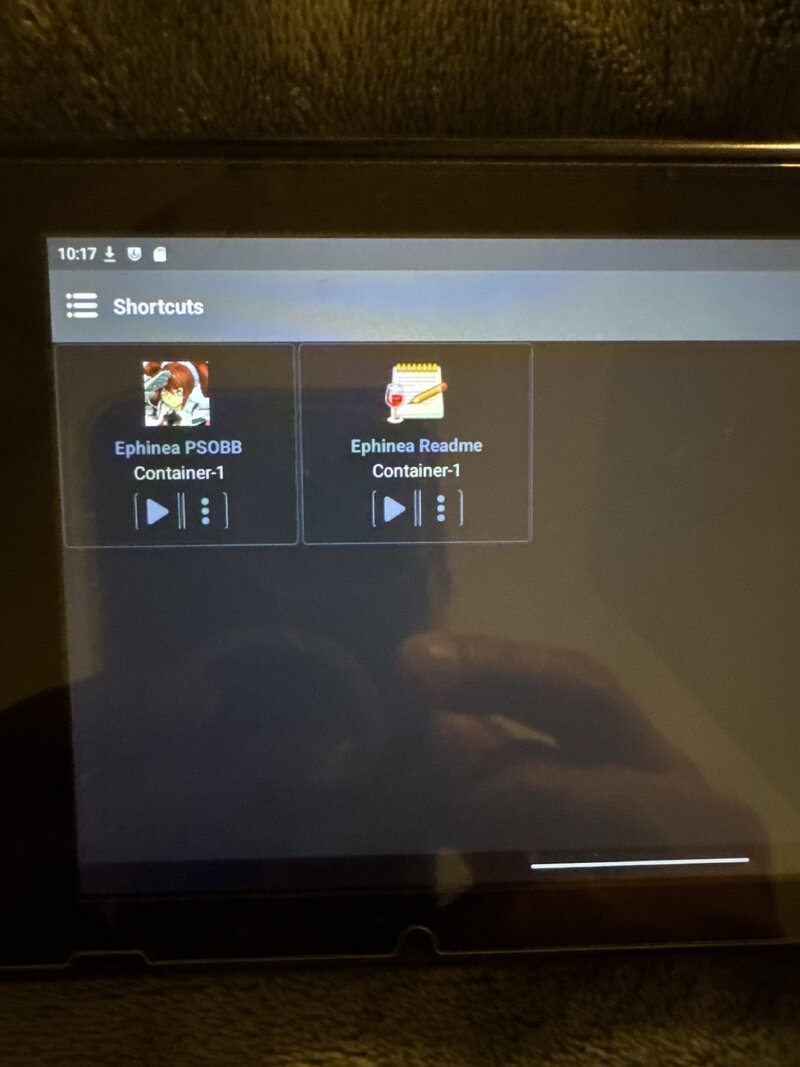
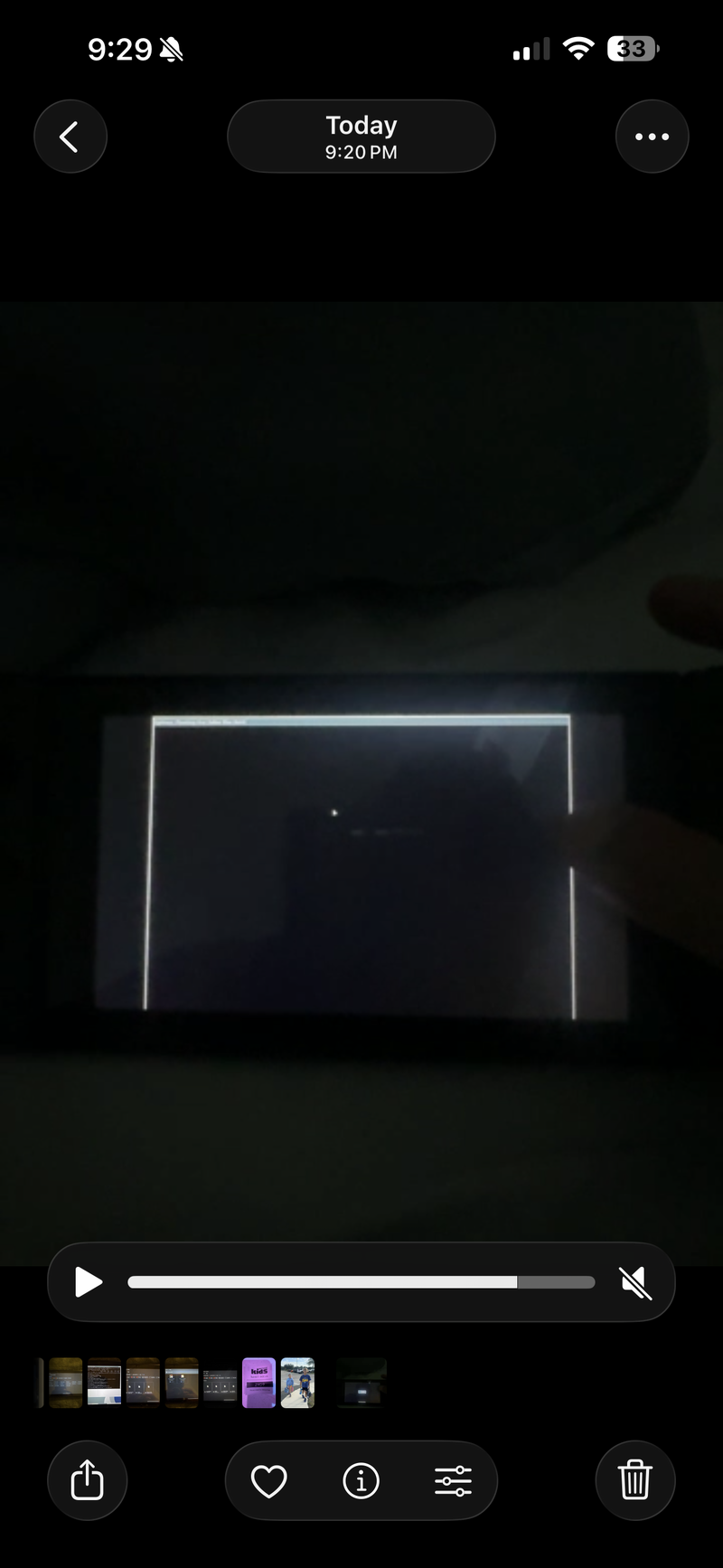
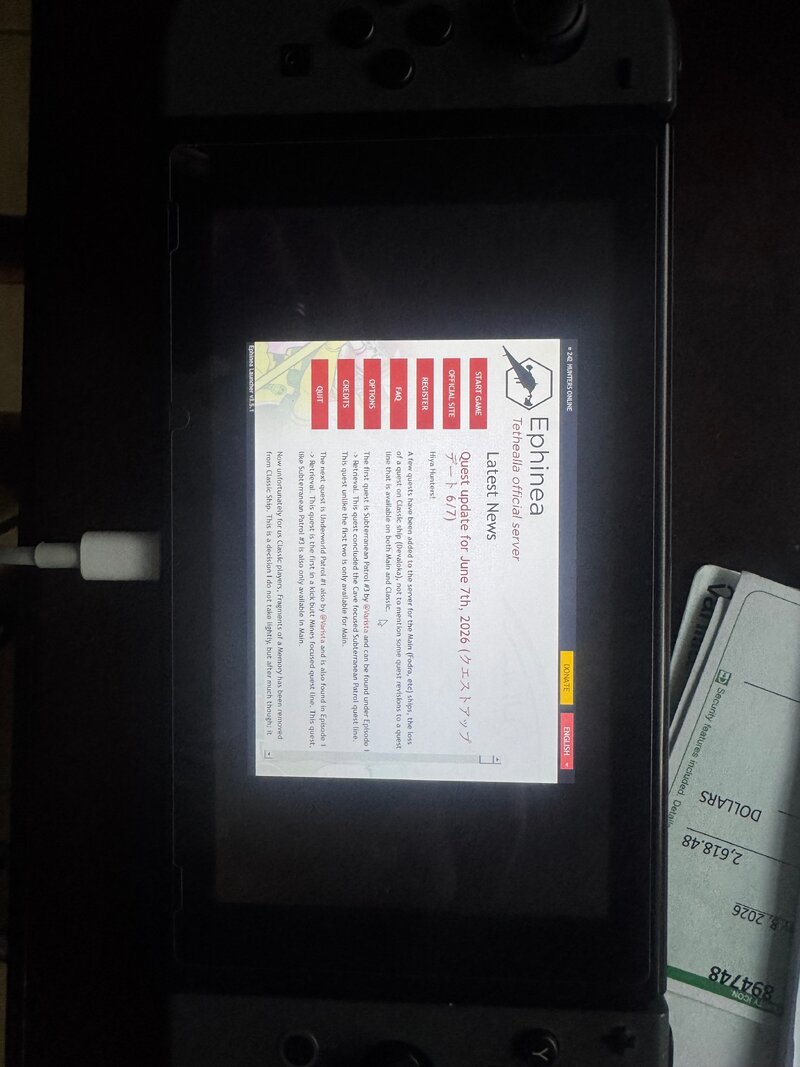
I was just clicking the launcher that is in the shortcuts. I have now pasted the PSOBB.exe and it shows up. But when it tries to launch, an outline of a window pops up and then it closes. It's weird as Everytime I power off, the container is deleted. Maybe delete and redownload Winlator and try the install again? I cannot post a video here to show what it is doing.how are you launching it? be detailed.
I was able to screenshot it from the video. That is the white window outline is. It closes after that.
I don't know if it's not downloading everything or if when running Gecko and Wine it isn't creating what it is supposed to.
Attachments
zeroz
Member
unclear so far. and haven't heard other error reports.
some things to keep in mind with winlator: gfx driver matters depending on chipset. 2. resolution matters. launching psobb in a res that doesnt fit your container probly will crash.
but sorry you all have issues. its definitely a better prcoess than it used to be, and once it works it works.
some things to keep in mind with winlator: gfx driver matters depending on chipset. 2. resolution matters. launching psobb in a res that doesnt fit your container probly will crash.
but sorry you all have issues. its definitely a better prcoess than it used to be, and once it works it works.
zeroz
Member
that is weird lol the container shouldnt be deleted.I was just clicking the launcher that is in the shortcuts. I have now pasted the PSOBB.exe and it shows up. But when it tries to launch, an outline of a window pops up and then it closes. It's weird as Everytime I power off, the container is deleted. Maybe delete and redownload Winlator and try the install again? I cannot post a video here to show what it is doing.
I was able to screenshot it from the video. That is the white window outline is. It closes after that.
I don't know if it's not downloading everything or if when running Gecko and Wine it isn't creating what it is supposed to.